
If you wonder how to put ads on facebook Without giving money to Meta, the answer starts by not using the blue "Boost Post" button for everything. That button is used for a few things, but the real control is in Ads Manager. Here we explain how it works, in the order in which you are going to use it.
Before you start: what you need
- A business Facebook page (not your personal profile).
- An advertising account with a payment method. It is created from Ads Manager or from Meta Business Suite.
- If you want them to write to you via WhatsApp, your WhatsApp Business number connected to the page.
- If you sell from your website, the Meta pixel installed, to know which ads end in a sale or in a form.
Boost Post or Ads Manager
Promoting a publication is quick: you choose a post, an audience and a budget. It serves to give more scope to something that already worked alone.
Ads Manager lets you choose the actual campaign goal, test multiple ads at once, control where they appear, and measure what brings you customers. If you are going to invest every month, this is the way.

The structure: campaign, set and ad
Everything in Meta is put together in three levels, and understanding them saves you many mistakes:
- Campaign: here you choose the objective. For a local business the most useful are Potential clients (forms or messages), Interaction (messages via WhatsApp or Messenger) and Sales (purchases on your website).
- Ad set: Here you define who gets it, where, when and with how much money.
- Announcement: the image or video, the text and the button.
How to choose the audience
For a business that serves an area, the first thing is the location: mark the cities or a radius around your business. Then adjust the age if it really matters for what you are selling.
Don't get complicated with interest. Today the Meta system finds pretty well who to show the ad to if you give it a good location and a good ad. A public that is too closed tends to be more expensive.
Be careful: if your ad is for housing, employment or credit, Meta puts it in a special category and limits your segmentation by age and area. Mark it well from the beginning so that your ad is not rejected.
Budget: daily or total
You can set a daily budget or a total budget for the entire campaign. For starters, the diary is easier to control. Let the campaign run for a few days before changing it: if you touch it all the time, the system relearns from scratch and you spend more.
There is no magic amount. It depends on how much a client is worth to you and how much competition you have in your area. The important thing is to measure how much each message or each form costs you and compare it with what you earn per client.
The Ad: What Makes Someone Stop
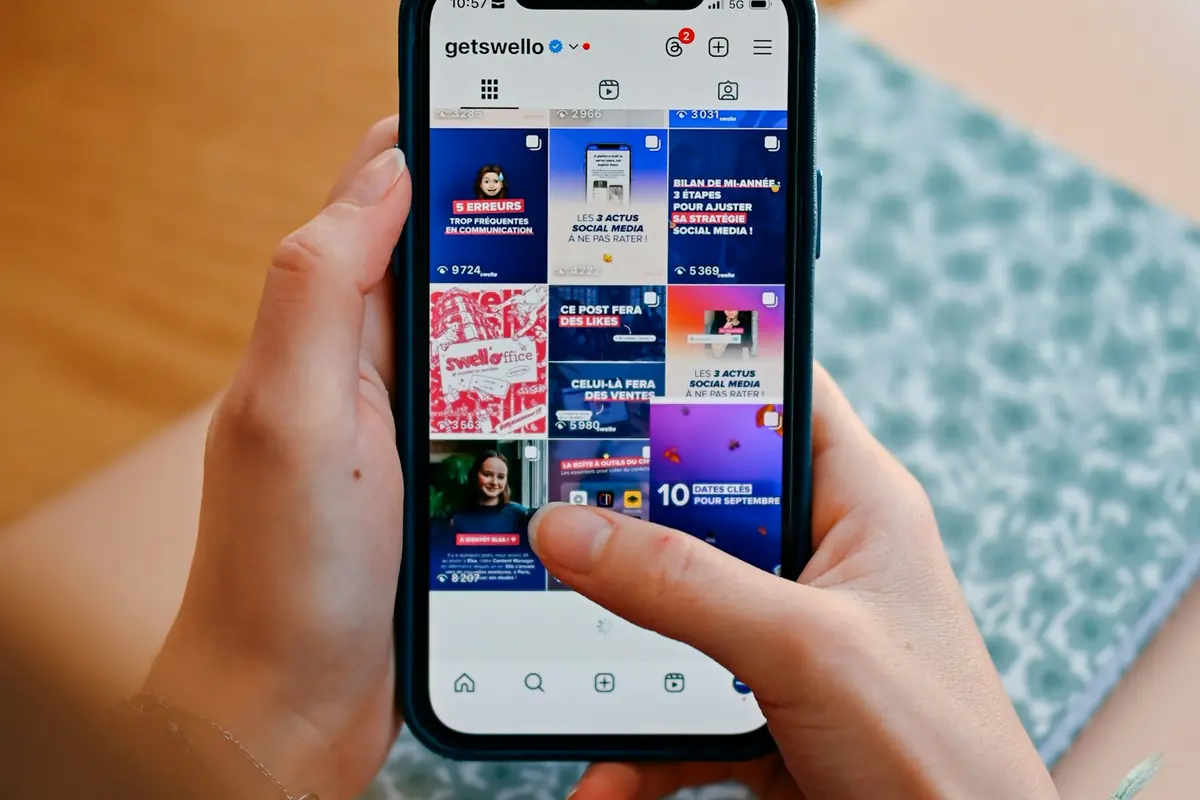
- Short and vertical video for Reels and Stories. The first few seconds decide whether the person continues looking.
- Real people. Your team working or a client telling their experience works better than a stock photo. That is why there are UGC videos.
- One clear offer and a button that says what happens next: "Send message", "Book", "Quote".
Meta reviews each ad before publishing it, usually in less than a day.
Measure to avoid losing money
Likes don't pay the bills. See how many messages or forms came in, how many became customers, and how much each one cost. If they write to you but no one buys, the problem may be in the offer, in how they respond or in what happens after the click. It helps there to have a sales funnel Save each contact and follow up on it.
Before publishing
Checklist before launching your campaign0/7
If you prefer not to do it alone
Setting up the campaign is one part. Reviewing it every week, changing what doesn't work and knowing when to raise or lower the budget is the other. In our Google and Meta campaigns We do the initial analysis, we show you the proposal before launching and every month we send you the results report.