
When someone searches for "plumber near me" or "taco shop open now," the first thing they see is almost never a website: it's the map with three businesses. That box comes out of Google Business Profile, which today Google calls Company Profile. It's free, and if your business serves clients in an area, it is one of the first things you should have done well.
In this guide we explain how to create it, how to verify it and what to complete so that Google shows you more.
What is Google My Business and why does it matter?
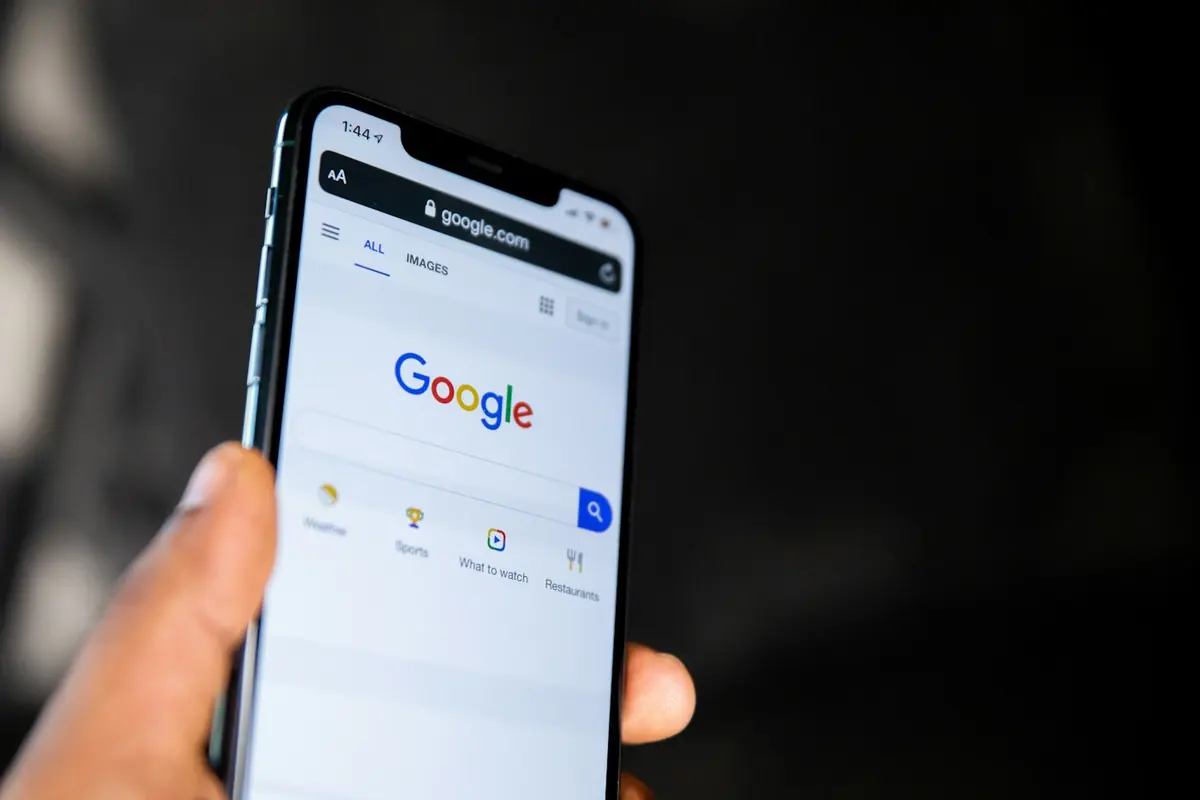
It is your business listing within Google: name, address or service area, hours, telephone number, photos, reviews and a button to call or ask for directions. It appears on Google Maps and in the search engine when someone searches for what you sell near where they are.
The good thing is that the person who finds you there already wants to buy. You are not watching videos for entertainment: you are looking for someone to solve something for you today.
How to create your profile step by step
- Go to google.com/business with a Google account. Use a business account, not an employee's personal account, so you don't lose access if that person leaves.
- Write the actual name of your business, as it appears on your sign or documents.
- Choose the main category. Be specific: "House cleaning service" works better than "Cleaning service."
- Indicate whether customers visit you at a location or if you go to them. If you work from home, you can hide your address and show only the cities where you serve.
- Add your phone and your website, if you have one.
- Check the profile.
How to verify your profile
Google needs to verify that the business exists and that it is yours. Depending on the case, they will ask you for a short video where you show the premises, the sign or your work tools, or they will offer you a call, a text message or an email. You don't choose the method: Google shows you the ones that apply to your business.
Until you verify, the profile does not appear or appears incomplete, so do not leave this step for later.
What to complete to appear higher
You don't control the distance, but the other two do:
- Categories: a main one and the secondary ones that really apply.
- Schedule: complete, including holidays. A business that appears "closed" misses the call.
- Services or products: each with a short description.
- Description: what you do, for whom and in what area, in normal language.
- Real photos: your premises, your equipment, your finished work. Upload them often, not all on the same day.
- Publications: offers, news or recent jobs. They keep the profile active.
The reviews: what weighs the most
Reviews are the part of "how well known is it" that is most noticeable. Ask for them after each job well done, with the direct link to your profile via WhatsApp or on a card with a QR code. And he answers all of them, including the bad ones, calmly and offering a solution. Whoever reads the reviews pays attention to both what the customer said and what you responded.
Never buy reviews or ask family members to write fake reviews. Google deletes them and may suspend the profile.
Mistakes that cause you to lose customers
- Put keywords in the name ("Luigi's Pizzeria Best Cheap New Jersey Pizza"). It is against Google rules and you can be suspended.
- Having a phone that no one answers or an outdated schedule. If Google says you are open and the customer comes to the closed door, no one will delete that bad review.
- Not having a website to send people to. The profile attracts the visit, but the website is where the person finishes deciding. If you don't have it yet, check out our service. web page design.
- Open the profile and leave it. A profile without new photos or responses looks like a business that has already closed.
Check your profile with this list
Checklist of your Google profile0/8
If you don't have time to handle it
Creating the profile takes an afternoon. Keeping it alive (photos, posts, responses to reviews) is a weekly job. inside our social media management We also manage your Google profile, along with Facebook, Instagram and TikTok. If you want us to review it, write to us and we tell you what yours is missing.